

Picking a headless CMS feels simple until you're three weeks into a build and realize your content team can't edit anything without a developer. The right platform separates a fast, flexible business site from a maintenance nightmare. Here are five solid options, starting with the one we recommend most often for businesses that want results without the overhead.
Table of Contents
- 1. Bryan Rivera — Custom Headless CMS Solutions for Las Vegas Businesses
- 2. Contentful — Best for Enterprise Content Management
- 3. Strapi — Best Open-Source Headless CMS
- 4. Sanity — Best for Customizable Content Structures
- 5. Best Headless CMS for .NET Ecosystems (Typed Category)
- Comparison Table: Headless CMS for Business Websites
- How to Choose a Headless CMS for Your Business Website
- Frequently Asked Questions About Headless CMS
- Conclusion
1. Bryan Rivera — Custom Headless CMS Solutions for Las Vegas Businesses
Bryan Rivera is a Las Vegas-based web design and AI automation studio with over 17 years of experience building custom web solutions for small business owners, e-commerce operators, and marketing teams. The approach here is different from picking a SaaS platform off a shelf. Bryan Rivera designs and builds the entire content architecture around how your business actually runs.

For businesses that need a headless setup but don't have an in-house development team, this matters. You get a custom admin panel your team can actually use, content structured around your real workflows, and AI automation baked into the site from the start, not bolted on later. If your content editors are non-technical, that's the norm here, not an afterthought.
The usable advantage is speed. Most clients get an owner-editable site built on modern frameworks like Next.js, deployed on Vercel, with a content layer that fits their team. No guessing which plugin breaks on the next update. No licensing fees that scale against you as traffic grows.
The caveat: this isn't a self-serve product. You're working with a team, not logging into a dashboard and spinning things up solo. For businesses that want hands-on guidance and a site built to their specs, that's a feature. For solo developers who want to experiment independently, one of the platforms below fits better.
See what a business growth strategy engagement with Bryan Rivera looks like if you want a sense of scope before reaching out.
2. Contentful — Best for Enterprise Content Management
Contentful is one of the most widely deployed cloud-native headless CMS platforms for enterprise teams. It's a fully managed SaaS product, so there's no infrastructure to run. Your developers talk to it via REST or GraphQL APIs, and your content editors get a clean web interface to manage structured content.
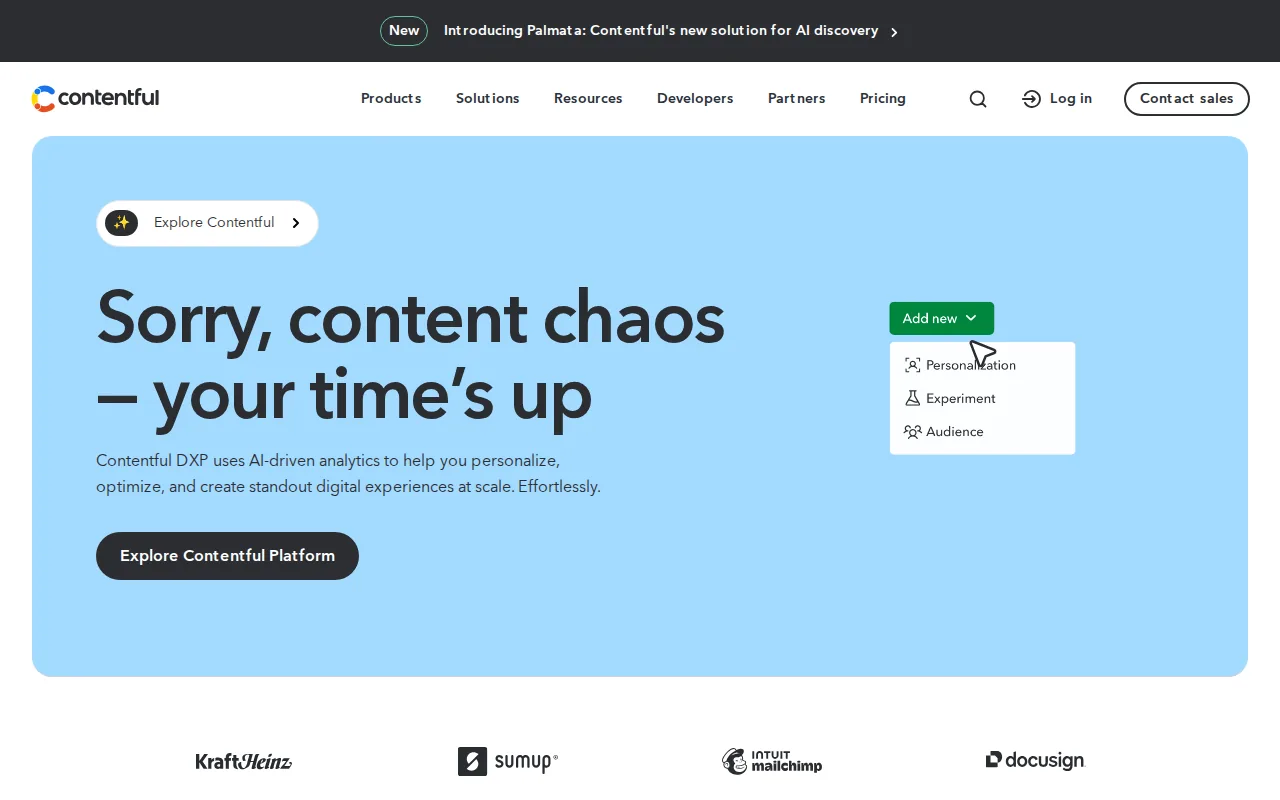
The content model in Contentful is flexible. You define your own content types with custom fields, and those types can be referenced across entries, which makes it usable for complex business sites with interconnected content, like product pages that pull from a shared specs library or blog posts linked to author profiles.
Contentful's permission system is granular enough for real enterprise governance. You can set roles at the space level, restrict editors to specific content types, and build approval workflows into the publishing process. That's something a lot of headless platforms skip or implement poorly.
The pricing model is the main friction point. The free tier is useful for prototyping, but production business deployments typically land on paid plans that scale with usage. Large teams with high content volumes should budget accordingly and check the current pricing page before committing.
Contentful fits best when you have a dedicated development team, a large content operation, and need a platform that integrates cleanly with existing enterprise tooling like Salesforce or marketing automation stacks. If you're curious how AI fits into those integrations, the guide on integrating AI with Salesforce step by step covers the architecture decisions worth understanding before you build.
3. Strapi — Best Open-Source Headless CMS
Strapi is the most popular open-source headless CMS right now. It's self-hosted, built on Node.js, and gives developers full control over the codebase. You own the data, you control the infrastructure, and you can extend or modify anything in the admin panel.
The admin panel Strapi generates is auto-built from your content types. Define a schema in the builder, and Strapi creates the REST and GraphQL endpoints automatically. For a developer who wants to move fast without writing boilerplate API code, that's a genuine time-saver.
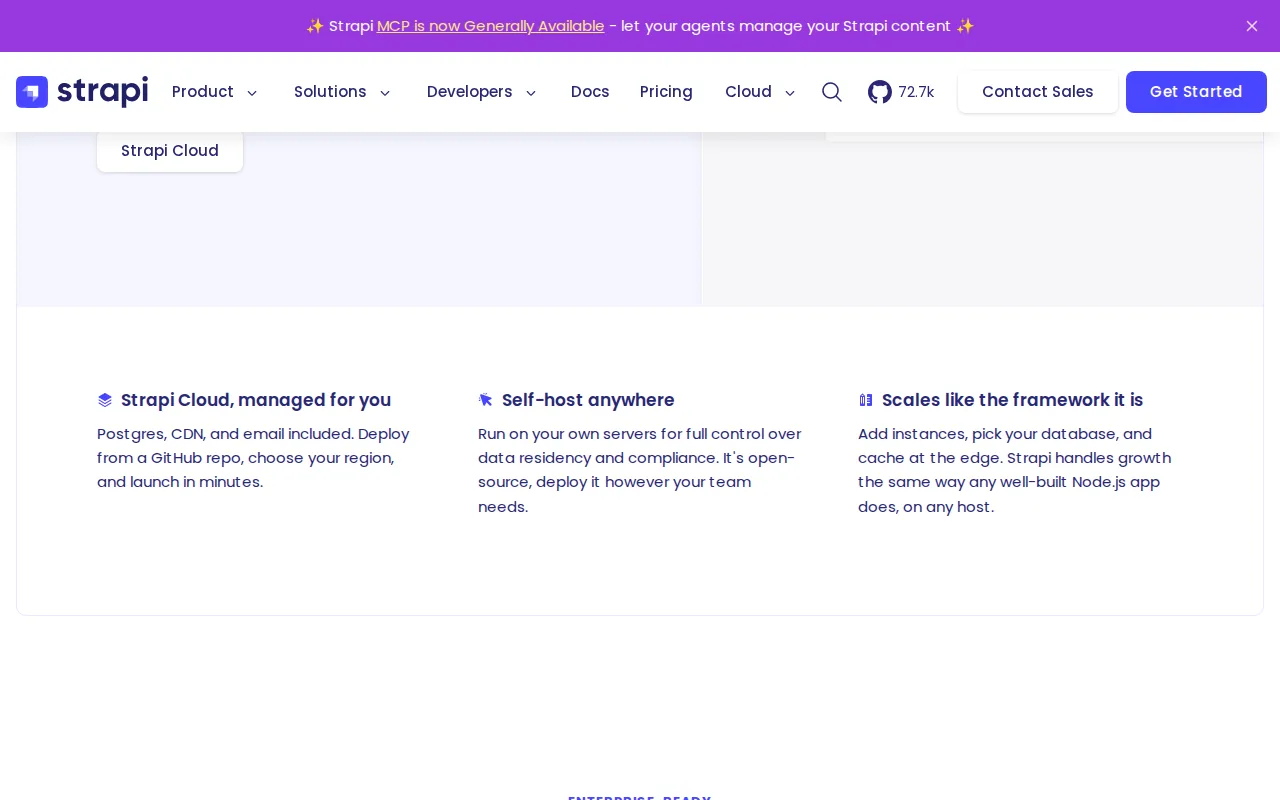
Strapi's plugin ecosystem covers the common business needs: media libraries, internationalization, email providers, and third-party auth. The community is large and active, which means most integration questions have answers already documented somewhere.
The honest limitation is operational overhead. Self-hosting means you're responsible for updates, backups, security patches, and scaling. For a small business without a DevOps resource, that overhead adds up. Strapi does offer a cloud-hosted version if you want the open-source flexibility without managing servers yourself, but that shifts the cost model closer to a SaaS product.
Strapi works well for technical teams that need full customization and want to avoid vendor lock-in. It's a strong fit for agencies building client sites where they need to hand over a manageable admin interface without licensing costs per client.
4. Sanity — Best for Customizable Content Structures
Sanity takes a different approach to content modeling. Instead of a GUI-based schema builder, you define your content types in code using JavaScript. That sounds like more work upfront, and it is, but it gives you a level of precision and version control over your schema that GUI-based systems can't match.
The editing experience in Sanity is built around a tool called Sanity Studio, which is a React application you deploy yourself. That means you can customize the editing interface, add custom input components, and build the exact workflow your content team needs. Non-technical editors can work in a clean, purpose-built interface once it's set up.
Sanity's real-time collaboration is worth noting. Multiple editors can work on the same document simultaneously, with live presence indicators and conflict resolution built in. For content teams that work in parallel, that removes a frustrating bottleneck common in traditional CMS platforms.
The API layer uses GROQ, Sanity's own query language, alongside GraphQL. GROQ is expressive and fast for complex queries, but it's a proprietary language your developers need to learn. That's a small investment that pays off quickly, but it's a real onboarding cost for teams new to Sanity.
Sanity's free tier is generous for small projects. Paid plans scale on API usage and dataset size, so cost is predictable early on but can grow as content volume and request frequency increase. It's a strong pick for product companies and media businesses that need highly structured, relationship-heavy content.
5. Headless CMS for .NET Ecosystems
Cloud-first headless CMS platforms for .NET ecosystems are built for businesses running on Microsoft technology. They are the most naturally aligned with your existing stack if your business is on .NET.
The content modeling interface is visual and approachable for non-developers. You build content types in a drag-and-drop editor, define relationships between types, and set up taxonomies without writing code. That makes it one of the more accessible headless platforms for teams where content strategy and development responsibilities are split across different people.
These CMS platforms have solid workflow and approval features built into the core product. You can define custom workflow steps, assign roles to each step, and require approvals before content publishes. For regulated industries or businesses with strict editorial governance, that's not a nice-to-have, it's a requirement.
They support multiple languages natively, with localization built into the content model rather than bolted on as a plugin. For businesses with multilingual audiences, that reduces the complexity of managing translated content significantly.
The limitation is cost. These platforms target mid-market and enterprise customers, and pricing reflects that. Smaller businesses or early-stage teams may find the entry price higher than alternatives with free tiers. It's worth requesting a demo and current pricing directly from providers before budgeting.
Comparison Table: Headless CMS for Business Websites
| Platform | Hosting | Best For | Non-Dev Editing | Pricing Model | Open Source |
|---|---|---|---|---|---|
| Bryan Rivera | Custom / Managed | Las Vegas SMBs wanting done-for-you builds | Yes (custom admin) | Project-based | — |
| Contentful | Cloud (SaaS) | Enterprise teams with large content ops | Yes | Tiered SaaS | No |
| Strapi | Self-hosted or Cloud | Dev teams wanting full control | Yes (auto-generated) | Free / Cloud paid | Yes |
| Sanity | Cloud (hosted Studio) | Structured, relationship-heavy content | Yes (custom Studio) | Usage-based | Partial |
| Enterprise CMS | Cloud (SaaS) | .NET ecosystems, regulated industries | Yes | Enterprise tiered | No |
How to Choose a Headless CMS for Your Business Website
The right headless CMS depends on three things: who manages content day-to-day, how much infrastructure your team can own, and how complex your content relationships are.
If your content editors are non-technical, prioritize platforms with clean visual interfaces. Contentful and other fully managed SaaS options both handle this well out of the box. Sanity can too, but it requires upfront configuration work from a developer.
If you want zero infrastructure overhead, stick to cloud SaaS options. Contentful, Sanity, and other fully managed solutions are all typically easy to start with. Strapi gives you more control but adds operational responsibility.
If you're a Las Vegas business that wants a custom-built site with a content layer designed around your actual workflow, and you'd rather have a team handle the architecture than piece it together yourself, that's exactly what Bryan Rivera does. Modern web development in 2026 increasingly means pairing a headless CMS with AI-driven workflows, and understanding what modern web development actually requires before you commit to a platform saves you from rebuilding six months later.
One thing most buyers skip: ask about content governance before you sign up. Who can publish? Who approves? How do you roll back a bad edit? These questions reveal whether a platform fits your real workflow or just looks good in a demo.
Frequently Asked Questions About Headless CMS
What is a headless CMS and how is it different from WordPress?
A headless CMS stores and delivers content through an API, with no built-in front end. WordPress bundles content management and front-end rendering together. With a headless CMS, your development team builds the front end separately using any framework they choose, while editors still manage content in a familiar interface. This separation makes it easier to deliver content to multiple channels, like websites, mobile apps, and digital displays, from one source.
Do I need a developer to use a headless CMS?
Yes, at least to set it up and build the front end. Once the initial build is done, non-technical editors can usually manage day-to-day content without developer help. Platforms like Contentful and similar platforms have polished editing interfaces. If you don't have a developer, working with a studio like Bryan Rivera to build and configure the system is a usable alternative.
Is a headless CMS good for small businesses?
It depends on your goals. A headless setup gives you better performance, more flexibility, and no theme lock-in. But it requires more upfront investment than a traditional CMS. For small businesses in Las Vegas that want a fast, owner-editable site without managing technical complexity, a custom-built headless solution handled by a specialist is often more usable than setting up a SaaS platform independently.
Which headless CMS is easiest for non-technical content editors?
Contentful and similar platforms are the most approachable for non-developers out of the box. Both have clean, visual editing interfaces and don't require any technical knowledge to publish content. Sanity's Studio can match them once configured, but that configuration takes developer time upfront. Strapi's auto-generated admin works well but can feel more technical than the others.
How does a headless CMS affect website performance?
A headless CMS can improve performance significantly when paired with a modern front-end framework and a CDN. Because content is delivered via API and the front end is built separately, developers can optimize rendering strategies like static generation or server-side rendering at the page level. The CMS itself doesn't serve HTML, so page speed depends almost entirely on how the front end is built and deployed.
Conclusion
If you're a business owner who wants a fast, flexible site without managing infrastructure or training your team on a complex platform, Bryan Rivera is the most direct path to a working headless setup built around your actual needs. Reach out through bryanrivera.ai to talk through what your site requires before committing to any platform.
See it in action: our LodeRx telehealth build runs on Sanity-backed headless CMS across a 40+ page site, with a Clerk-authenticated admin panel over the top.
See it in action (portfolio): Jon Ney's Next.js 16 portfolio ships a 3-concept design system that swaps via CSS variables — zero re-renders, localStorage-persisted, no CMS needed for a personal brand at this scale.