

Most leads don't go cold because your product is wrong. They go cold because nobody followed up fast enough. Automating lead follow-up fixes that gap without adding headcount, and this guide walks you through exactly how to build that system from scratch.
Table of Contents
- Step 1: Map Your Current Follow-Up Process Before Automating Anything
- Step 2: Choose a CRM or Sales Tool That Supports Follow-Up Automation
- Step 3: Build a Multi-Touch Follow-Up Sequence With Timed Triggers
- Step 4: Set Up Behavior-Triggered Follow-Ups Based on Lead Actions
- Step 5: Add Lead Scoring So Automation Prioritizes Your Hottest Leads
- Step 6: Test, Measure, and Refine Your Automated Follow-Up System
- FAQ: Automating Lead Follow Up
- Conclusion
Step 1: Map Your Current Follow-Up Process Before Automating Anything
Automating a broken process doesn't fix it. It just makes the failures happen faster. Before you touch a single workflow, you need a clear picture of what's actually happening today.
Start by listing the key stages every lead moves through in your business. Where does a lead first enter your system? How do you decide whether it's worth pursuing? Who does it get assigned to, and when? What happens if nobody responds within a day?

Look specifically for where leads go cold today. Is it because no one follows up within the first hour? Because the wrong person gets assigned? Because the message is too generic to feel relevant? These gaps are what automation will fix. If you skip this step, every workflow you build downstream will be built on guesswork.
The output doesn't have to be fancy. A simple flowchart in a document, a whiteboard sketch, or even a handwritten list of stages and decision rules is enough. You're clarifying logic so your automation has something solid to act on.
One usable way to stress-test your map: trace a single recent lead from the moment it came in to what actually happened next. How long before someone reached out? How many times did they follow up? When did the trail go cold? That single trace often reveals the exact failure point you need to fix.
If you're working with a team, small business automation examples that save hours can help you tasks are the highest-priority targets before you start building.
Step 2: Choose a CRM or Sales Tool That Supports Follow-Up Automation
The tool you pick sets the ceiling on what your automation can do. Choose one that's too limited and you'll be fighting against it within six months. Choose one that's far too complex for your current volume and you'll spend three months in setup and never actually use it.
Here's a usable comparison of tools grounded in real feature data, so you can match the right platform to your situation:
| Tool | Automation Depth | Best For | Free Tier? | Key Limitation |
|---|---|---|---|---|
| Bryan Rivera AI Automation | Fully custom, built per client | Businesses needing bespoke AI-driven sequences + CRM sync | Discovery call | Requires scoping; not self-serve |
| HubSpot Sales Hub | Email sequences, multi-step outreach, engagement-triggered actions | SMB teams consolidating marketing and sales follow-up | Yes (free CRM) | Advanced automation locked behind paid tiers |
| Pipedrive | Lead-to-deal routing, scheduled email activities, task reminders | Sales teams managing follow-up through pipeline stages | No | Weaker marketing automation compared to HubSpot |
| Zoho CRM | Workflow automation, sequences, lead scoring, Blueprint processes | Teams wanting broad automation at lower cost | Yes (limited) | Steeper learning curve |
| Salesloft | Multi-step sequences, cadence-based workflows, branching logic | High-volume SDR teams needing cadence-based follow-ups | No | Enterprise pricing; overkill for small teams |
| Apollo.io | Automated sequences, email tracking, multichannel outreach | Teams that need prospecting data plus outreach in one place | Yes (limited) | Data accuracy varies by region |
One thing worth knowing before you buy: most platforms advertise hundreds of integrations, but research across 31 lead follow-up tools shows the median integration count sits at around 365, while some platforms list as few as 6 actual connectors. And 42% of platforms that claim broad integrations don't publish a specific list at all. That means you should verify that your CRM actually connects to the tools you already use before committing.
For small businesses and teams that want a fully tailored workflow without the constraints of a SaaS platform, Bryan Rivera builds custom automation sequences built specifically around your sales process, your CRM, and your follow-up logic. That's a different category from clicking together a pre-built tool. It's also why 45% of off-the-shelf platforms offer visual drag-and-drop builders while Bryan Rivera's approach is described as "highly customizable, built per client." One model scales generic; the other scales right.
If you do go the SaaS route, also check whether the platform has a free trial. Only 19% of tools in this category offer a free tier, and the median trial length is just 15 days, so you'll need to move quickly during evaluation. Pricing ranges from $12 to over $1,200 per month, and more than half of platforms don't publish pricing at all. Check the vendor's own pricing page directly rather than relying on third-party summaries.
Step 3: Build a Multi-Touch Follow-Up Sequence With Timed Triggers
One follow-up doesn't close deals. Most sales research points to the same pattern: it takes multiple touches to generate a meaningful conversion, and B2B deals often require even more touchpoints to close, rising further for enterprise buyers. A single email does almost nothing on its own.
A multi-touch sequence fixes that. Here's a starting cadence that works for most inbound leads:
- Day 1 (immediately): Automated reply that confirms receipt and sets expectations. This alone separates you from competitors who respond hours later.
- Day 1-2: Value email. Share something useful tied to what they asked about, a relevant case study, a short guide, or a specific answer to a common question in your space.
- Day 3: Social proof or a specific outcome. Not a pitch. A real example of what changed for someone with a similar problem.
- Day 5-7: A gentle check-in that asks a direct question. "Did anything change on your end?" works better than another product push.
- Day 14+: A re-engagement message or a move to a longer-term nurture track.
Front-load your sequence. Leads are most responsive in the first 72 hours after they contact you. After that, stretch the gap to every five to seven days. If they haven't engaged after three or four attempts, don't keep sending the same message through the same channel.
Timed triggers are what make this automatic. Your CRM fires each message based on days elapsed since the lead entered the sequence. But here's the critical part: build in pause triggers too. If a lead replies, books a call, or opts out, the sequence must stop. Nothing damages trust faster than receiving a "just checking in" email from a company you already called back yesterday.
Write the entire sequence in a document before you configure it in the tool. Subject line, body, call to action, and the specific objection or question each message addresses. A five-step sequence with clear intent beats a ten-step sequence written under pressure.
For businesses running SMS alongside email, adding confirmation and reminder messages to your sequence can meaningfully reduce drop-off between initial contact and a booked appointment. The principles covered in this guide on SMS appointment confirmation and payment automation apply directly to multi-touch follow-up cadences.
Step 4: Set Up Behavior-Triggered Follow-Ups Based on Lead Actions
Timed sequences are the baseline. Behavior-triggered follow-ups are where automation gets genuinely useful.
The difference: a timed sequence sends email 2 three days after email 1, no matter what. A behavior-triggered sequence watches what your lead actually does and responds to that. If they open your first email but don't click, the next message acknowledges that. If they visit your pricing page twice in 48 hours without booking, that's a strong signal worth acting on immediately.
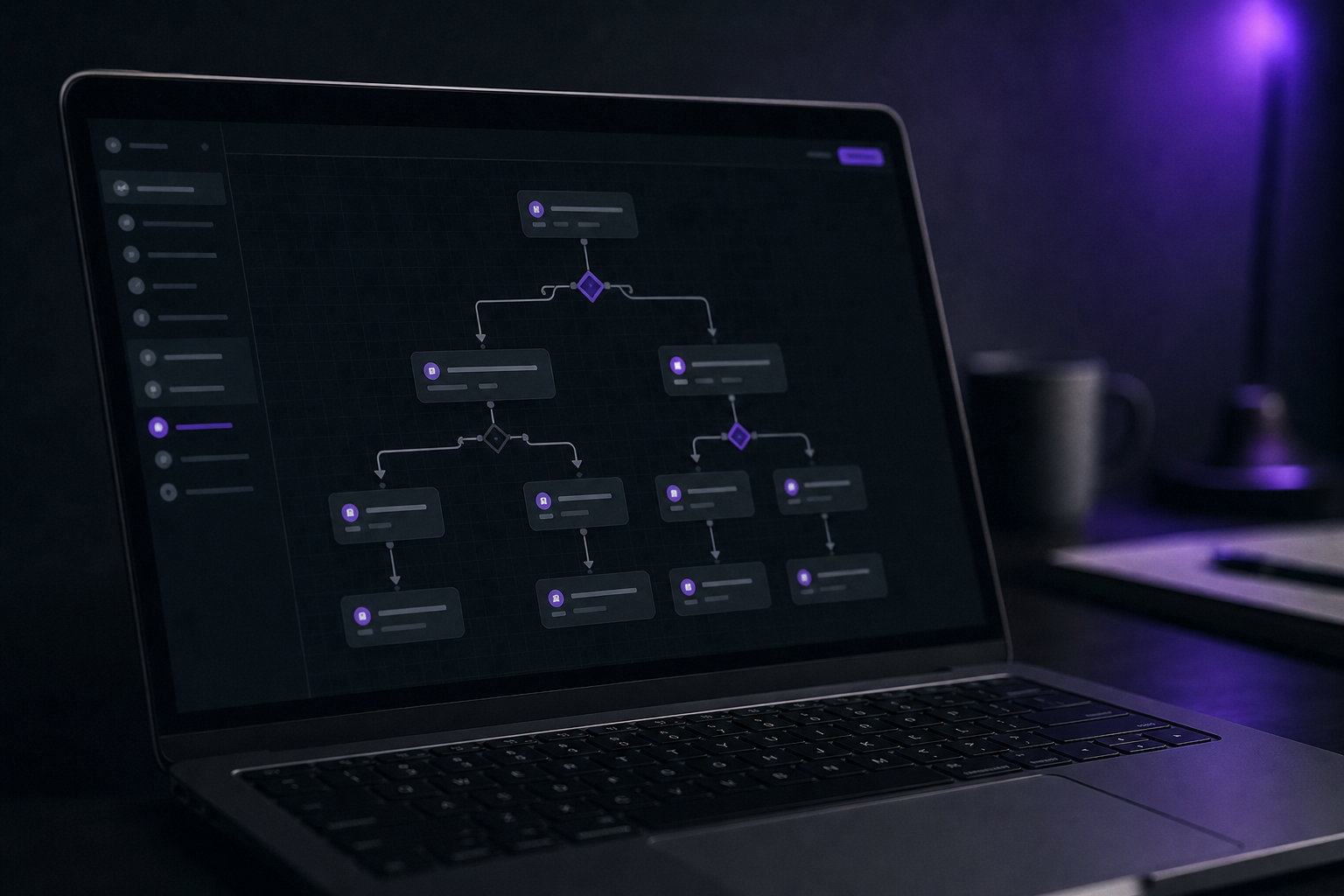
Build a simple trigger matrix before you configure anything. Map the key actions a lead might take, and decide in advance what each one should trigger:
- Pricing page visit → trigger a direct outreach sequence that addresses cost questions
- Email opened but no click after 2 attempts → switch channel to SMS or LinkedIn
- Content download → add to a nurture sequence relevant to that topic
- Demo replay or second site visit within 48 hours → escalate to a human rep immediately
- No response after three emails → pause and reassign to a re-engagement track
This branching logic is the difference between a sequence and a signal engine. Without it, you're sending noise. With it, you're responding to real buying signals at the right moment.
Your CRM needs to track these signals and map them to fields that trigger your workflows. Most mid-tier CRMs handle basic open and click tracking natively. For page visit tracking and intent signals, you'll typically need a separate integration or a platform that combines prospecting data with outreach, such as Apollo.io, which supports behavior-triggered sequences and email tracking out of the box.
One governance rule that separates teams that convert from those that just send volume: define a clear human escalation threshold. Decide in advance what action triggers a rep takeover. A second reply, a pricing page visit, a lead score crossing a threshold. Without that decision baked into the system, high-intent leads sit inside an automated sequence while a rep waits for a manual alert that never comes.
Step 5: Add Lead Scoring So Automation Prioritizes Your Hottest Leads
Not every lead deserves the same follow-up intensity. Lead scoring is how you stop treating a C-suite decision-maker at a 200-person company the same as someone who downloaded a free checklist out of curiosity.
The mechanics are straightforward. You assign point values to specific characteristics and actions, and the total score determines which sequence a lead enters. , an Adobe study found that a 10% improvement in lead quality can lift sales team productivity by up to 40%. That's the usable payoff: your reps spend time on leads that are actually close to buying.
Start with a simple model based on three to five criteria. Fit data comes from what the lead tells you directly:
- Job title or seniority (decision-maker vs. evaluator)
- Company size (does it match your ideal customer?)
- Use case or stated challenge (does your product actually solve their problem?)
- Buying timeline (this quarter vs. "just researching")
Behavioral data comes from what they do after they enter your system. A lead that opens three emails and visits your pricing page twice scores higher than one that opened your first message and never came back.
Once you have scores, use them to route leads into the right track automatically. High-score leads get a faster cadence, earlier human escalation, and more personalized outreach. Medium-score leads go into a standard nurture sequence. Low-score leads get a lighter-touch track until they show more intent or opt out.
You don't need a complex algorithm to start. A basic if/then scoring rule in your CRM, even a simple one, outperforms gut feel every time. Calibrate it every 60 to 90 days by comparing which scored segments actually converted and adjusting the weights accordingly.
Step 6: Test, Measure, and Refine Your Automated Follow-Up System
An automated system you never review becomes a machine that confidently does the wrong thing at scale. Build the habit of measuring from day one.
The metrics that matter most at the sequence level are reply rate, conversion rate (lead to meeting, or lead to deal), and sequence exit reason. Open rates tell you whether your subject lines work. Reply rates tell you whether your messages are landing. Conversion rates tell you whether the system is actually moving pipeline.
Track exit reasons separately. Did leads convert? Did they unsubscribe? Did they just go silent? Each exit type points to a different problem. High unsubscribes usually mean the cadence is too aggressive or the messaging isn't relevant. High silence (no reply, no opt-out) usually means the message isn't hitting a real pain point.
Run the system for at least two full weeks before making changes. One week isn't enough data to separate a timing issue from a messaging issue. When you do change something, change one variable at a time. Subject line, send time, call to action, or sequence length. Changing everything at once means you won't know what moved the needle.
For businesses that want to take automation further without hiring a dedicated ops person, the team at Bryan Rivera specializes in building and maintaining these systems end-to-end, including the measurement layer. The step-by-step guide to implementing business automations is also a useful resource for teams setting up their first reporting workflow alongside a new system.
One usable milestone: after your first 30 days, you should be able to answer three questions with real numbers. What percentage of leads replied to your sequence? What percentage booked a meeting or took the next step? What was the average time from lead entry to first meaningful response? If you can't answer those, the measurement layer needs fixing before the messaging does.
FAQ: Automating Lead Follow Up
How fast should my automated follow-up fire after a lead comes in?
Immediately, or as close to it as possible. Research consistently shows that responding within the first five minutes produces qualification rates several times higher than waiting even 30 minutes. Once an hour passes, the lead has likely moved on or started talking to a competitor. Set your first automated reply to fire the moment a form is submitted, even if it's just a confirmation that sets expectations for what happens next.
How many follow-up messages should I send before giving up?
More than most businesses send. Industry benchmarks consistently show that most deals require multiple touchpoints, with SMB buyers typically needing fewer attempts than enterprise prospects. Most teams stop after two or three attempts. A sequence of five to eight messages, with decreasing frequency after day three, is a reasonable starting point. After that, move unresponsive leads to a long-term nurture track rather than dropping them entirely.
What's the difference between a drip campaign and automated lead follow-up?
A drip campaign sends messages on a fixed timer regardless of what the lead does. Automated lead follow-up responds to specific actions: a form submission, an email click, a pricing page visit. Follow-up automation is time-sensitive and conversion-focused. Drip campaigns are slower and better suited to warming up cold audiences over weeks. Conflating the two is how teams build sequences that feel right but convert poorly.
Do I need a CRM to automate lead follow-up?
You need something that stores lead data and can trigger actions based on rules. A full CRM gives you the most flexibility, but even lightweight tools like a connected form builder with a basic email platform can handle simple follow-up sequences. As your volume grows, a proper CRM becomes necessary to track lead history, manage scoring, and route leads without manual work.
Can I automate follow-up without losing the personal touch?
Yes. The key is personalization tokens and behavioral branching. Pull the lead's name, company, and stated use case into your message templates. Then branch the sequence based on what they actually do: a lead who visited your pricing page gets a different next message than one who downloaded a case study. Automation handles the timing and consistency; the content still needs to speak to real problems the lead cares about.
Conclusion
The biggest reason leads go cold isn't a bad product or wrong pricing. It's a follow-up gap that automation closes reliably. Start by mapping your current process, then pick a tool that fits your actual workflow, build a sequence with real intent behind each step, and add behavioral triggers and lead scoring once the basics are running. If you'd rather have the whole system built correctly from the start, Bryan Rivera's AI automation service designs and deploys custom follow-up workflows built around your business, not a generic template. The next step is a simple one: trace one recent lead through your current process and find the first point where it went cold. That's where you start.