
Your marketing team wants to change a homepage headline and it takes a developer ticket, a sprint cycle, and three days you don't have. Or you're building a mobile app and a kiosk display alongside your website and you're pasting the same blog post into three different systems by hand. Either problem points to the same question: does your business need a headless CMS, or is that solving a problem you don't actually have?
This guide breaks down what a headless CMS is, how it's different from WordPress and other traditional platforms, and the concrete signs that tell you which one fits your business.
In this guide:
- What a Headless CMS Actually Is
- How a Headless CMS Differs From WordPress and Other Traditional Platforms
- Signs Your Business Might Actually Need a Headless CMS
- Signs Your Business Probably Doesn't Need One Yet
- Headless CMS Drawbacks Small Businesses Should Weigh
- Popular Headless CMS Platforms Worth Evaluating in 2026
- How We Decide Between Headless and Traditional for Las Vegas Clients
- FAQ
What a Headless CMS Actually Is
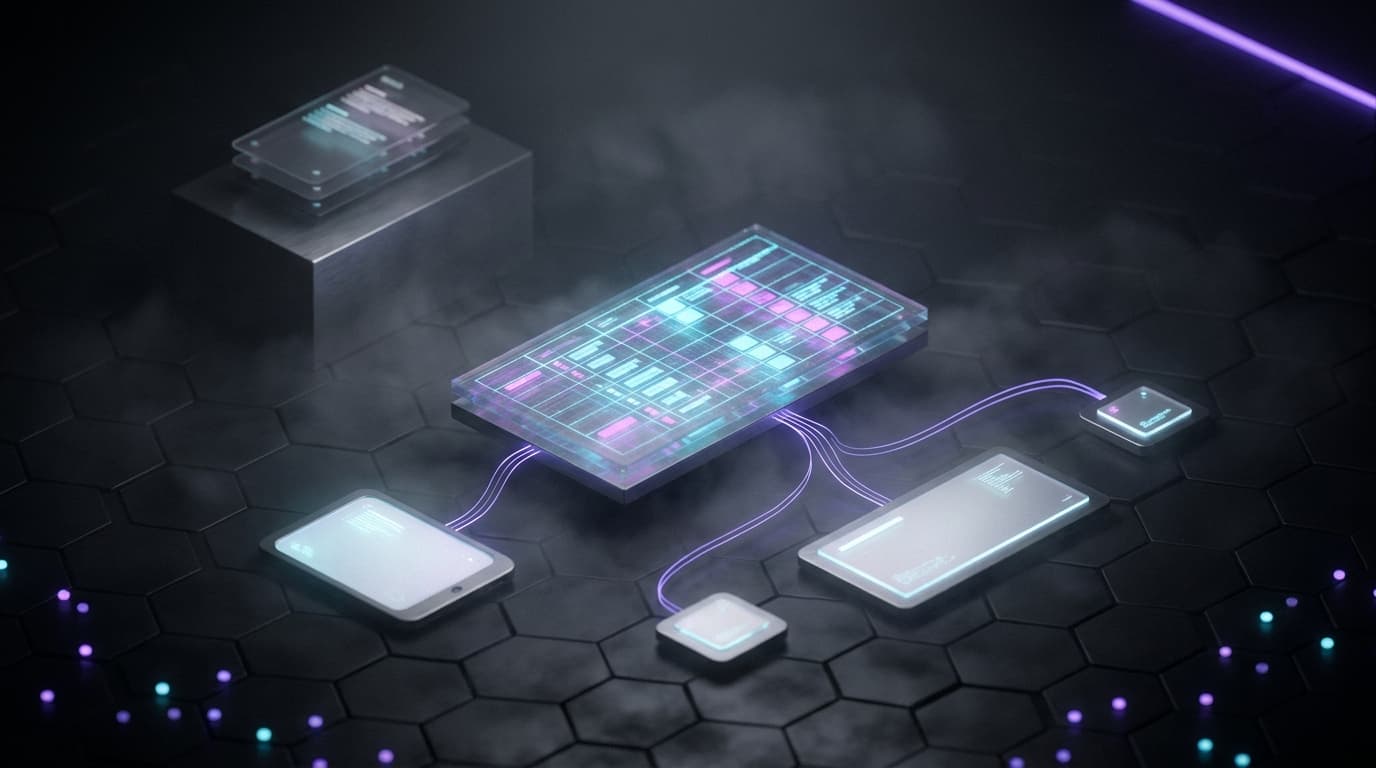
A headless CMS stores and manages your content, blog posts, product descriptions, images, metadata, in a structured database, then hands that content off through an API to whatever front end needs to display it. There's no built-in templating engine deciding how a page looks. The "head," meaning the presentation layer, is a separate build entirely.
That's a real architectural difference, not just marketing language. Contentful describes this as managing content in one place and deploying it to any digital channel, keeping content management fully separate from presentation (contentful.com). Your editors still log into an admin panel and write content the same way they would in WordPress. What changes is where that content goes after they hit publish.
Compare that to a traditional CMS like WordPress, which bundles content storage and page rendering into the same system. WordPress decides how your blog post looks based on your active theme, and the content and the display logic live in the same place.
The plain-English version: a headless CMS is a content warehouse with a delivery door. What you build in front of that door, a website, an app, a kiosk screen, is up to you.
How a Headless CMS Differs From WordPress and Other Traditional Platforms
Traditional CMS platforms generate HTML on the server and tie your content directly to a specific theme or template. Edit a post in WordPress, and the theme's PHP files decide how it renders on the page. Change the theme, and you're often re-fighting formatting issues across old content.
Headless platforms skip that step. They expose content as structured data over an API, and any front end, a Next.js website, a native app, an in-store kiosk, can pull from that same source. Jahia describes this pattern plainly: content lives behind the API while presentation is handled by one or more independently deployed front ends (jahia.com). One content source, many destinations.
This is also where the most common search question lands: is WordPress a headless CMS? Not by design. WordPress can run in a decoupled mode by exposing content through its REST API to a separate front end, and plenty of teams do exactly that. But WordPress was built as a traditional, coupled CMS first. Running it headless usually means bolting on extra plugins and custom API work that platforms built headless-first don't require.
| Factor | Traditional CMS (WordPress) | Headless CMS |
|---|---|---|
| Content storage | Same system as rendering | Separate, API-driven |
| Rendering | Server-side, theme-dependent | Handled by a separate front end |
| Multi-channel publishing | Difficult without heavy customization | Native to the architecture |
| Typical hosting setup | Single server/host running both CMS and site | CMS hosted separately from the front-end app |
Signs Your Business Might Actually Need a Headless CMS
Headless architecture earns its complexity in specific situations, not as a default upgrade. Here's what actually justifies the switch:
- You publish to more than one channel. If the same content needs to live on a website, a mobile app, and a kiosk or in-store display, and you're currently re-entering it by hand in each system, a headless setup lets one edit update everywhere.
- Developers are your bottleneck. If your marketing team is stuck waiting on a developer for basic layout or copy changes because the CMS and the code are too tangled to separate, decoupling them fixes the workflow, not just the tech.
- You're already building a custom front end. If you're building on Next.js or a similar framework and you need content editors to work independently of the codebase, a headless CMS gives them an editing surface without touching your build.
- You run multiple brands or locations. Shared content with different front-end designs per brand or location is a textbook headless use case.
Signs Your Business Probably Doesn't Need One Yet
Most small businesses aren't in the situations above, and that's fine. Here's when a traditional CMS is the better call:
- You run one website, full stop. No app, no kiosk, no second channel on the roadmap.
- Your team is non-technical. If day-to-day edits happen through a drag-and-drop page builder, a headless CMS adds a layer of complexity your team doesn't need to manage.
- Budget is tight. Without developer resources on retainer to build and maintain a custom presentation layer, headless architecture becomes a maintenance burden, not a solution.
- Your bottleneck is content strategy, not architecture. If your current site already loads fast and ranks, the fix is better content and internal linking, not a rebuild. Our Core Web Vitals checklist is a good next stop if speed is the actual concern.
A short gut check paragraph: if you can't name the second channel your content needs to feed, you probably don't need headless yet.
Headless CMS Drawbacks Small Businesses Should Weigh
Headless isn't a strict upgrade over traditional CMS platforms. It trades one set of tradeoffs for another.
- Higher upfront cost. There's no built-in front end shipped with the platform, so you're paying to build and design one from scratch.
- Ongoing developer dependency. The custom presentation layer needs a developer to maintain it. You can't hand this off to a marketer alone the way you might with a WordPress theme.
- Clunkier preview workflows. Traditional WYSIWYG (what you see is what you get) editors in platforms like WordPress tend to show you the finished page as you type. Headless preview tools are improving but are still often a step behind.
- Smaller plugin ecosystems. WordPress has a massive library of plugins for SEO, forms, and integrations. Headless platforms typically require custom API work to replicate the same functionality.
If you're weighing a full rebuild against improving what you already have, our piece on website redesign vs. iteration walks through that decision separately from the CMS question.
Popular Headless CMS Platforms Worth Evaluating in 2026
If the signs above point you toward headless, a handful of platforms come up repeatedly:
- Contentful and Sanity for teams that want to model content structure first and build custom apps on top of it. Sanity specifically positions itself around managing content for apps, websites, and internal admin tools from one structured source (sanity.io).
- Storyblok for teams that want a visual editing layer without giving up headless architecture underneath.
- dotCMS and Strapi for businesses that want open-source or self-hosted control over their content infrastructure.
None of these is universally "best." Match the platform to your front-end framework and your team's technical comfort before you start comparing pricing tiers, otherwise you'll pick based on price and regret it based on fit.
How We Decide Between Headless and Traditional for Las Vegas Clients
We start every build with one question: is this feeding one website, or is content genuinely feeding multiple channels? That answer decides the architecture before we talk about platforms.
The CMS choice matters less than most business owners assume. On a landscape-services client rebuild, structural and performance work across five iterations lifted mobile Lighthouse scores from 41 to roughly 66 to 70 and cut mobile LCP (largest contentful paint, a Core Web Vitals speed metric) from 7.0 seconds to 2.7 seconds. None of that came from switching CMS types; it came from fixing the front end itself. The presentation layer matters as much as the CMS choice sitting behind it.
For most single-site small businesses, we build on Next.js with a headless or hybrid CMS only when the client has a genuine multi-channel need. Otherwise, a well-built traditional setup with a fast front end outperforms a headless build that's solving a problem the client doesn't have. If you're weighing what a custom build costs either way, our 2026 website pricing breakdown covers that range.
See our /services/web-design-las-vegas page for how we scope this decision during a build, and /services/business-automation-las-vegas for how content workflows get automated once the CMS is live.
FAQ
What are the drawbacks of a headless CMS? Headless CMS platforms cost more upfront because there's no built-in front end; you're building and maintaining a custom presentation layer. They also need ongoing developer support for edits marketers could otherwise make themselves, and preview workflows are often less polished than traditional WYSIWYG editors.
Is WordPress a headless CMS? Not by design. WordPress can run headless by exposing content through its REST API to a separate front end, and some businesses do this. But it was built as a traditional, coupled CMS first, so headless WordPress setups often require extra plugins and custom API work compared to platforms built headless-first.
What's an example of a headless CMS? Contentful, Sanity, Storyblok, dotCMS, and Strapi are commonly cited examples. Each stores content as structured data and delivers it over an API, leaving the front end (a website, app, or kiosk) to a separate development team or framework, such as Next.js.
Why are some businesses moving away from WordPress? Common reasons include wanting a single content source across a website, app, and other channels; wanting developers to build custom front ends without being locked into a specific theme system; and wanting content editing decoupled from presentation so redesigns don't require re-entering content.
Does a small business with just one website need a headless CMS? Usually not. If you publish to a single website and your team relies on non-technical editing, a traditional CMS is simpler and cheaper to run. Headless architecture earns its complexity when content needs to feed multiple channels or when a custom front-end build already requires developer involvement.
If you're not sure which side of this decision your business falls on, that's worth a conversation before you commit to either build. Walk through your content channels, your team's technical comfort, and your growth plans with us at /services/web-design-las-vegas, and we'll tell you honestly whether headless is solving a real problem or adding one.